Interactive Learning System – Articulate Storyline
Designing an interactive, scalable eLearning solution that improves engagement, accessibility, and learner control.
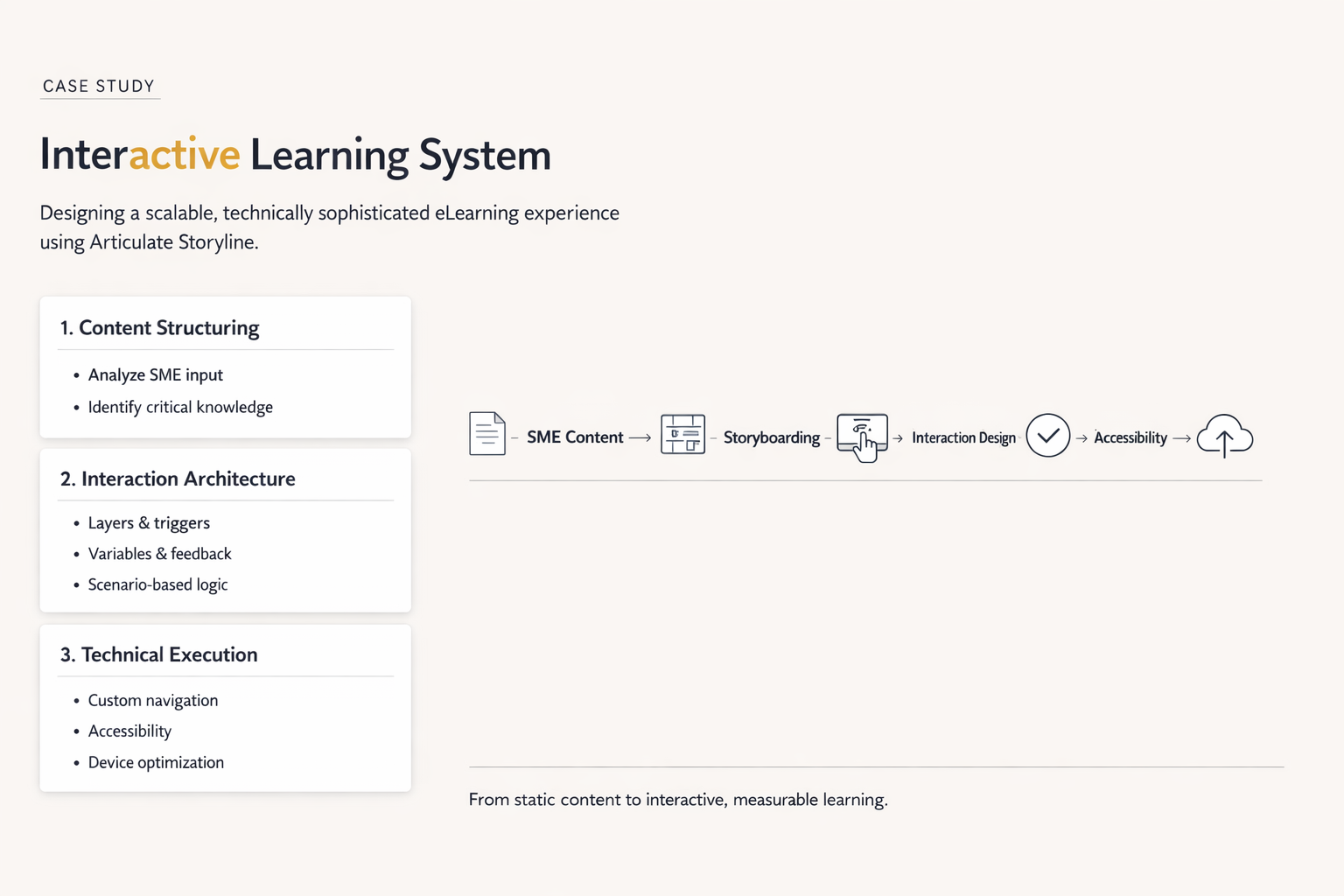
Business Context
The organization needed to rapidly convert highly technical SME content into structured digital learning. However, merely digitizing documents wasn't enough. The business recognized that text-heavy legacy training was failing to hold learner attention, requiring an urgent shift toward high engagement, accessibility, and absolute usability for a geographically dispersed workforce.
The mandate was to build a highly scalable, device-friendly interactive system that allowed employees to digest complex processes intuitively without being overwhelmed.
The Problem
Before this intervention, the learning material was trapped in unstructured SME documentation. Key challenges included:
- Unstructured Content: Massive blocks of text lacking instructional hierarchy.
- Engagement Risk: The complex subject matter meant low engagement rates if not properly gamified or chunked.
- Device Compatibility: The existing approach broke down on tablets and mobile devices, frustrating end users.
Role & Responsibilities
As the lead on this project, my responsibilities spanned both the strategy and the precise technical execution:
- End-to-end Instructional Design: Distilling raw SME knowledge into actionable learning moments.
- Storyboarding: Wireframing the interaction flow screen by screen.
- Interaction Planning: Designing variables and triggers to customize the learner path.
- Development: High-fidelity authoring within Articulate Storyline.
- Accessibility Integration: Guaranteeing full use for diverse learning needs.
- Visual Design: Creating custom graphics to replace text-heavy explanations.
Design & Development Approach
Content Structuring
The raw content was mapped out to isolate 'need-to-know' vs. 'nice-to-know' information. The cognitive load was actively managed by breaking down core workflows into sequential touchpoints rather than data dumps.
Storyboarding
Detailed screen-level planning was critical. I collaborated closely with SMEs to validate the logic of the interactions built. The storyboards served as blueprints for interaction logic, feedback design, and the overall learning flow.
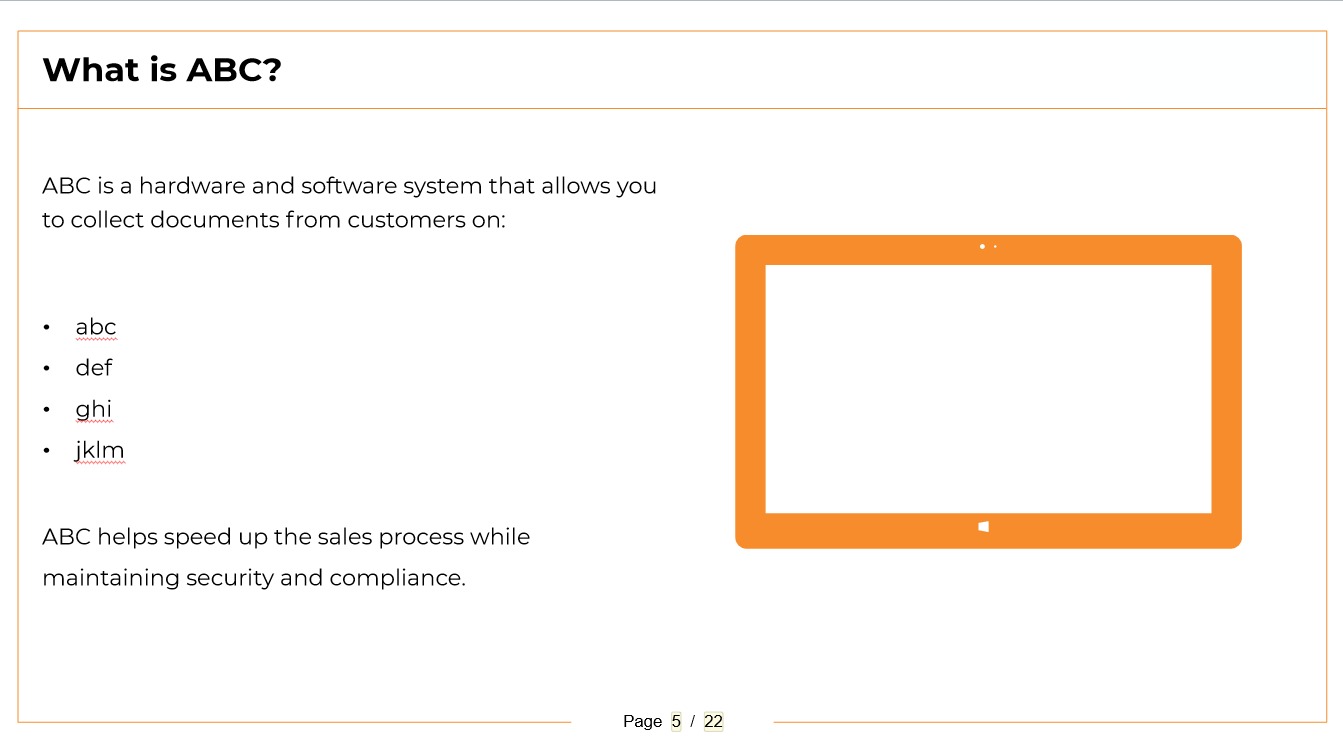
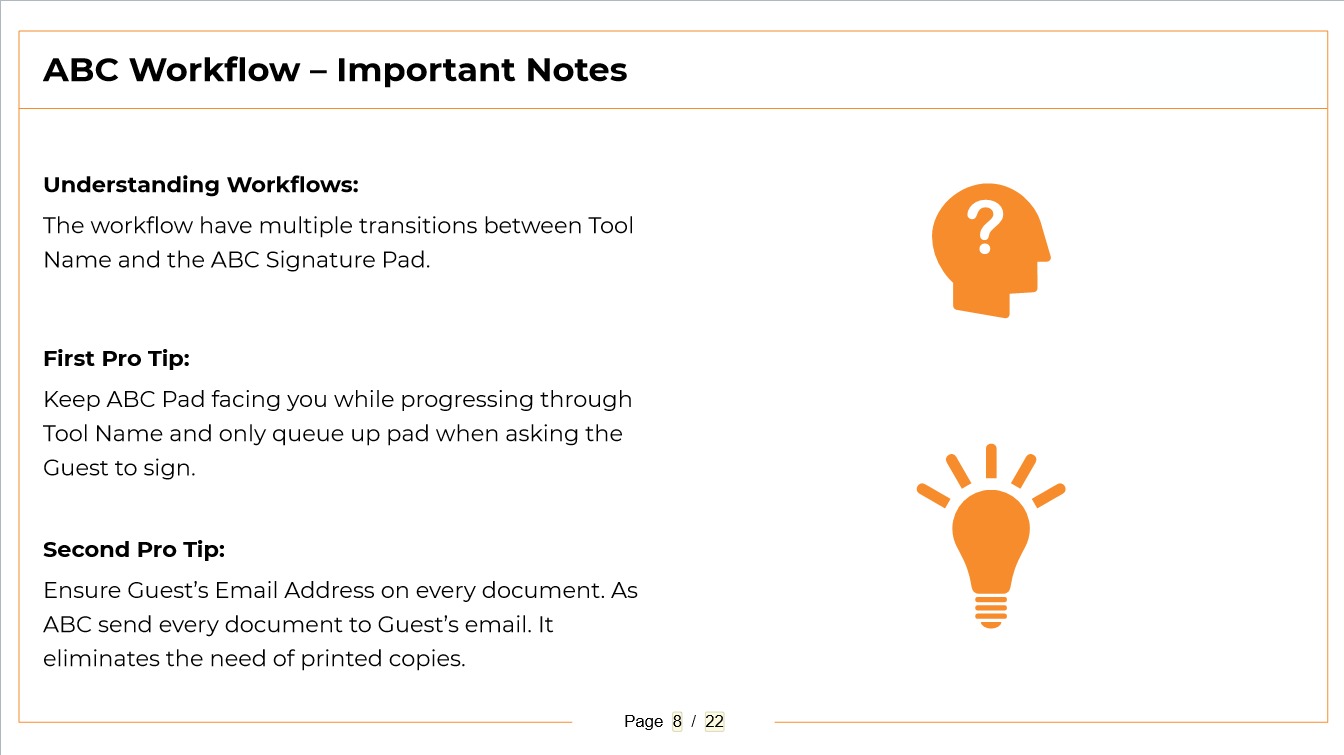
Interactive Design & Technical Implementation
Storyline is only as powerful as the logic behind it. This module leveraged advanced authoring techniques to build a responsive, engaging learning environment.
- Layers & Triggers: Complex layering allowed learners to explore content at their own pace without advancing screens.
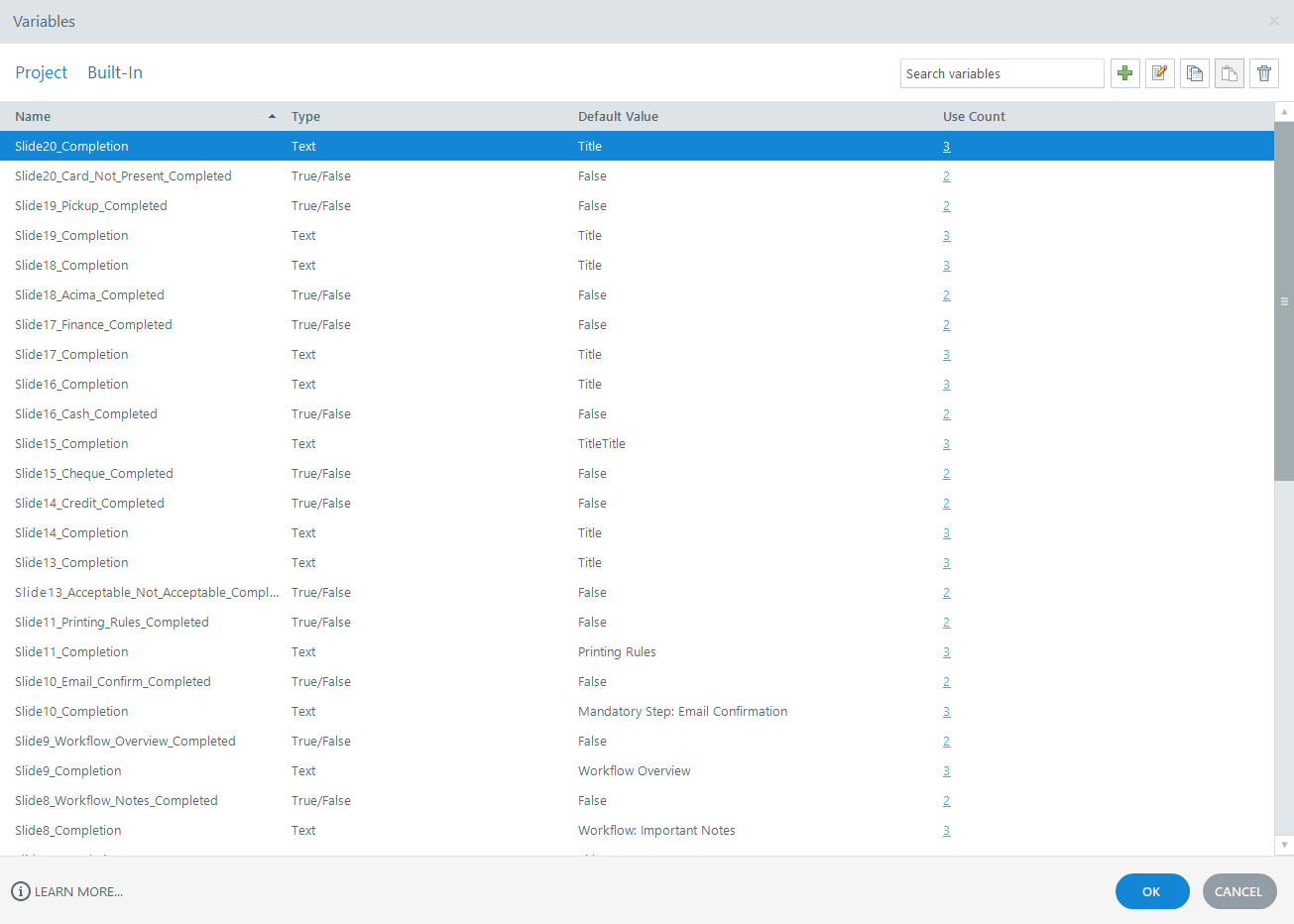
- Variable Utilization: Tracking learner decisions across the module to adapt upcoming content and quizzes.
- Interaction Control: Building custom interactions that felt organic and immediately gave feedback based on user clicks.
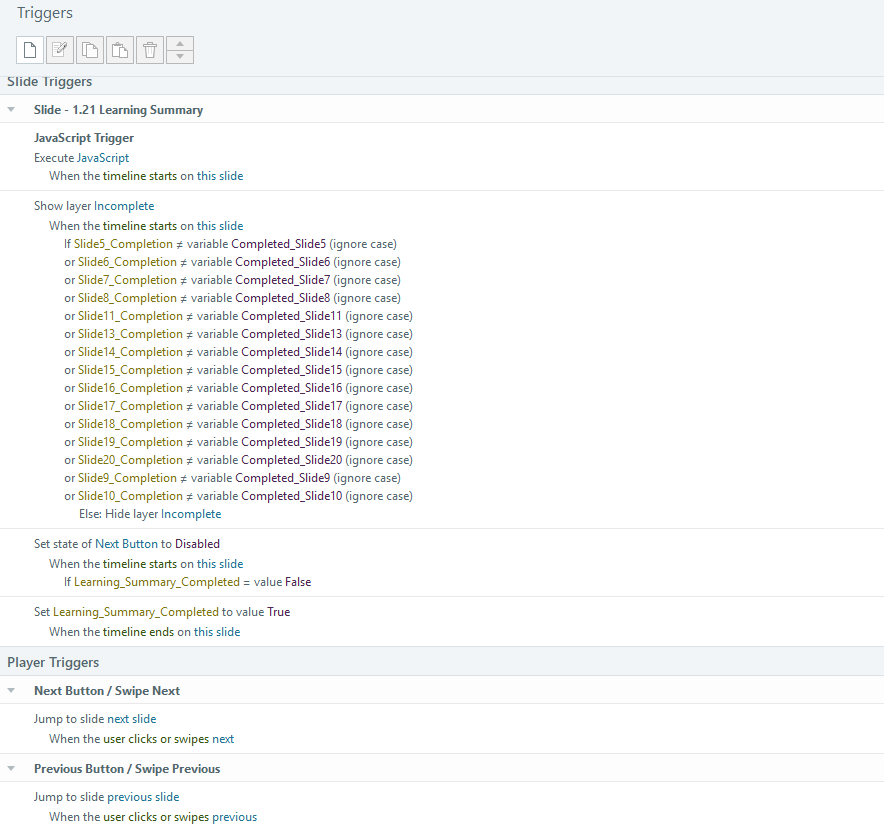
Custom Navigation & Learner Control
Standard templates were discarded in favor of a custom player that kept the learner immersed in the content.
Controlled navigation was programmed to prevent users from skipping vital compliance steps. By using custom-built progress markers and completion tracking triggers, learners were guided smoothly through required gateways without feeling constrained by typical "Next" button gating.
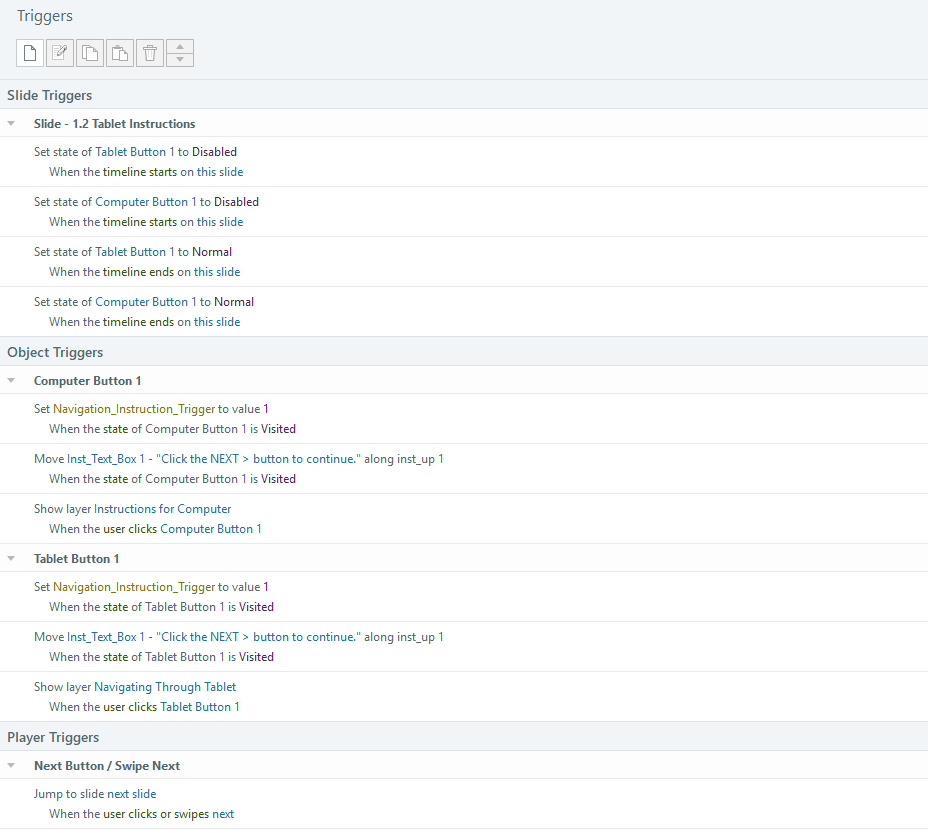
Accessibility & Inclusive Design
The interactive system was built with the understanding that not all users learn the same way. The solution incorporated robust accessibility features:
- Audio Narration: High-quality voiceovers combined with perfectly timed on-screen text.
- Closed Captions (CC): User-toggled captioning available on every screen.
- Clear Instructions: Explicit guidance on how to use custom interactive elements for users with different digital literacy levels.
Device-Specific Learning Support
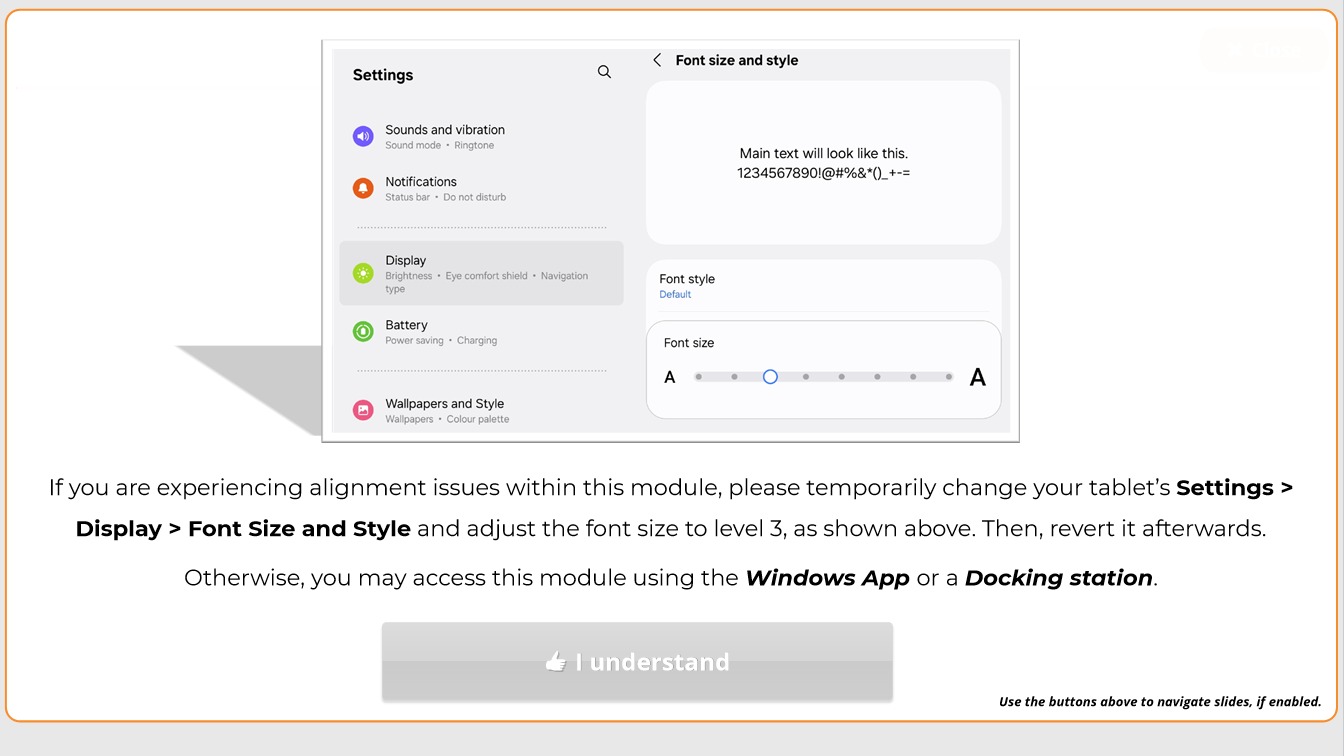
Because the module would be accessed across workstations and field devices, usability improvements were built directly into the UI.
Device-specific instructions (e.g., distinguishing between desktop "clicks" and tablet "taps") were developed. This simple contextual awareness drastically reduced confusion and technical support tickets.
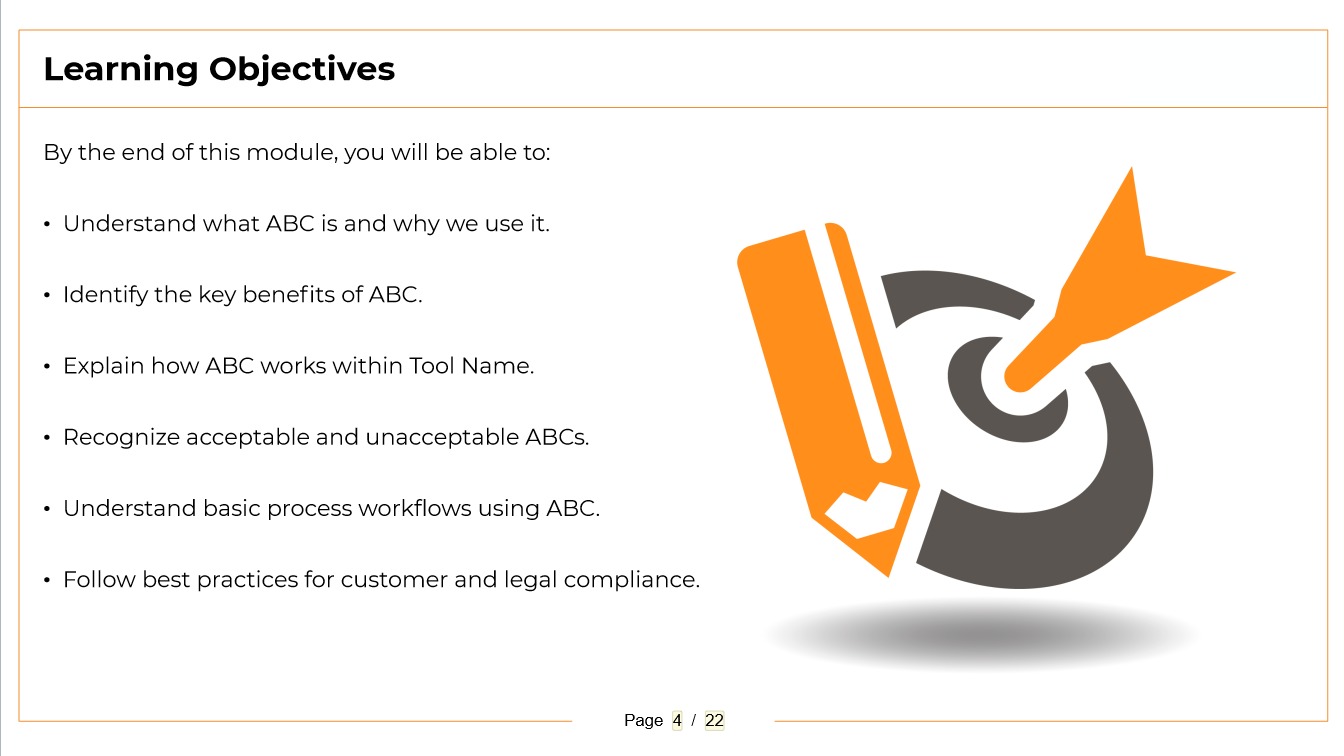
Visual Design & Process Simplification
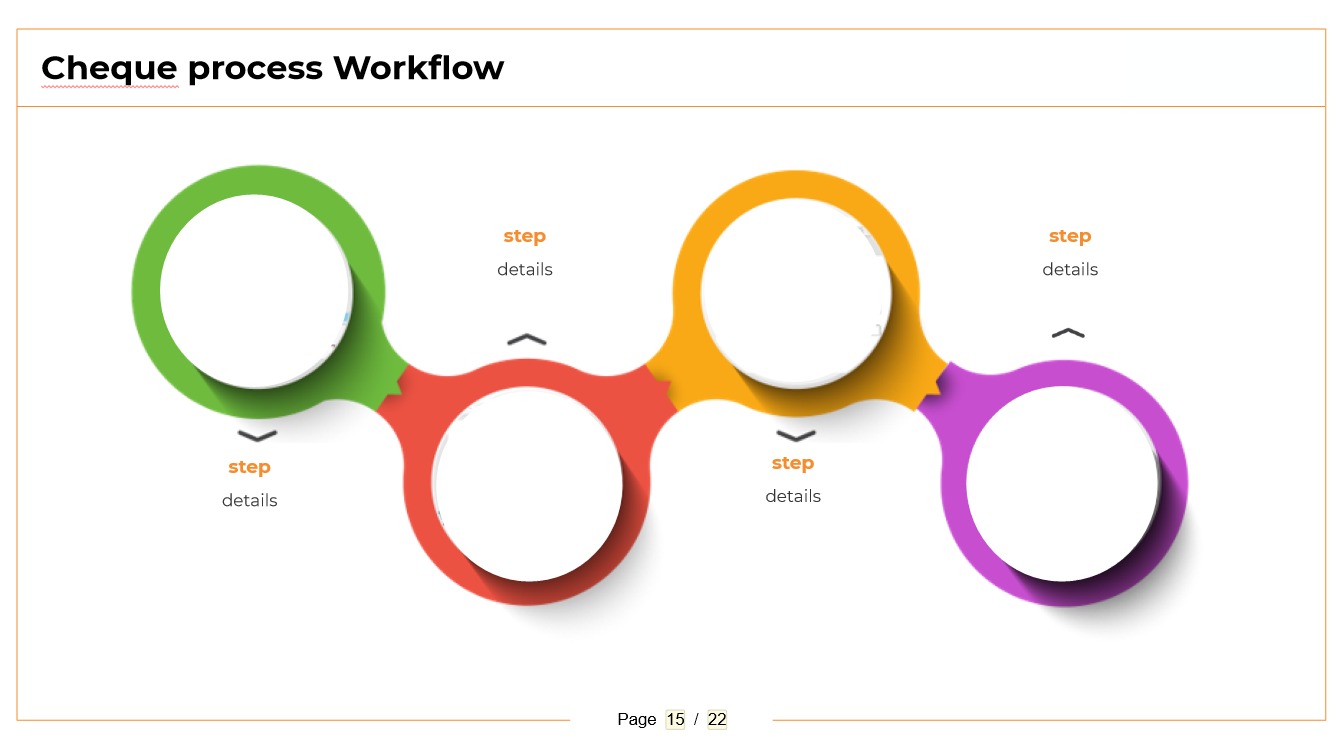
I replaced paragraphs of text with custom visual workflows. By translating abstract concepts into clear, stepped infographics, the visual design acted as a direct support tool for rapid comprehension. Complex workflows were simplified into digestible visuals.
Challenges & Solutions
- Content Complexity: Solved through rigorous instructional mapping separating nice-to-know from need-to-know.
- Cognitive Load: Mitigated using Storyline's layer functionality to progressively reveal information only when the user requested it.
- Device Usability: Overcome by establishing device-specific on-screen instructions.
- Engagement: Enhanced by stripping away the default player and applying modern, responsive interaction design.
Impact & Value
This approach elevated the standard for digital learning within the organization. The final output is an engaging, highly accessible, and technically sophisticated learning hub.
The true value of this intervention was an immediate reduction in cognitive load, vastly improved clarity on technical procedures, and a measurable improvement in the overall learner experience.
Tools Used
Key Skills Demonstrated
Reflection
This case study proves that effective eLearning is never merely a sequence of slides—it’s a carefully engineered system. By bridging high-level learning strategy with exact technical execution, I demonstrated how utilizing variables, custom navigation, and inclusive design can transform a dense policy document into an engaging and empathetic learning experience.